
2.3. Updating Boro VoD Solution
2.3.1. Overview
This chapter describes the procedure for the standalone update of the Boro VoD Solution Server.
You need to know
To obtain a link for Boro VoD Solution Server update pack, please contact Elecard technical support;
It is recommended to unpack the archive directly on the OS Linux server. Unpacking the archive in Windows OS and then copying files to Linux OS may lead to negative consequences, such as corrupted symbolic links, corrupted script execute permissions, increased size of the installation package due to copying unnecessary files. With a high probability, the package will become unusable;
[Rarely] When installing an update, you may need to have Internet access to download the required packages.
Attention
Avoid unpacking an update archive into a user’s home directory, as this will cause installation issues.
2.3.2. Installing the update
Download the archive and copy it to the Boro VoD Solution Server you wish to update.
Edit the
BoroVoDSolution.upgrade_VERSION.DATE.NUM-VoD.tgzname and path to the archive below then run the following script as root to update:TMP_DIR=$(mktemp -d) tar -C $TMP_DIR -xf BoroVoDSolution.upgrade_VERSION.DATE.NUM-VoD.tgz $TMP_DIR/run_update.sh [ "${TMP_DIR#/}" -a -d "$TMP_DIR" ] && rm -rf "$TMP_DIR"
The update lasts about 1 to 5 minutes.
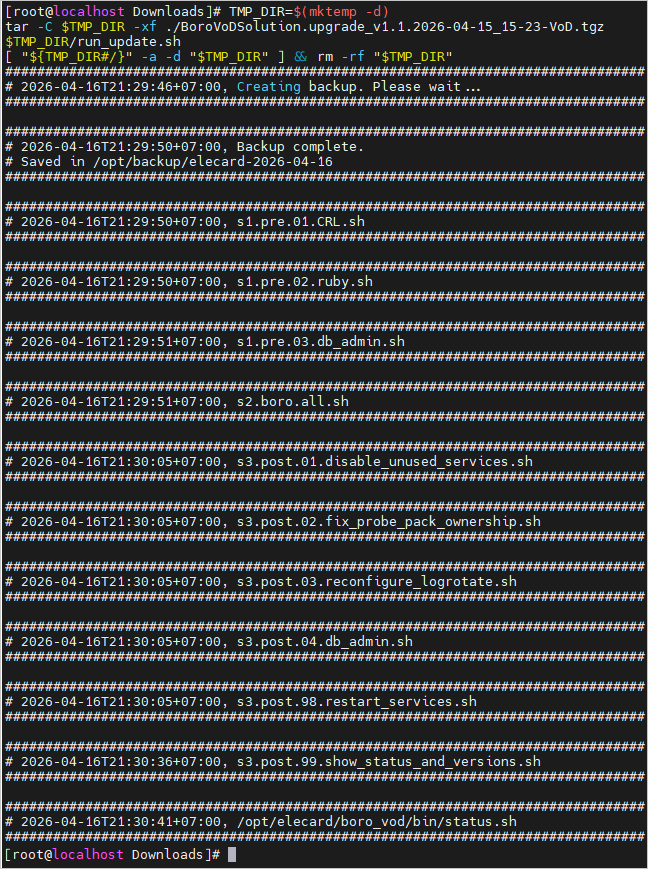
When the update has finished successfully, send information about the version of the installed components to technical support. To do this, log in to the Boro VoD Solution Server as an administrator and open the
http://HOSTNAME_OR_IP/admin?tab=versionspage. Take a screenshot or use
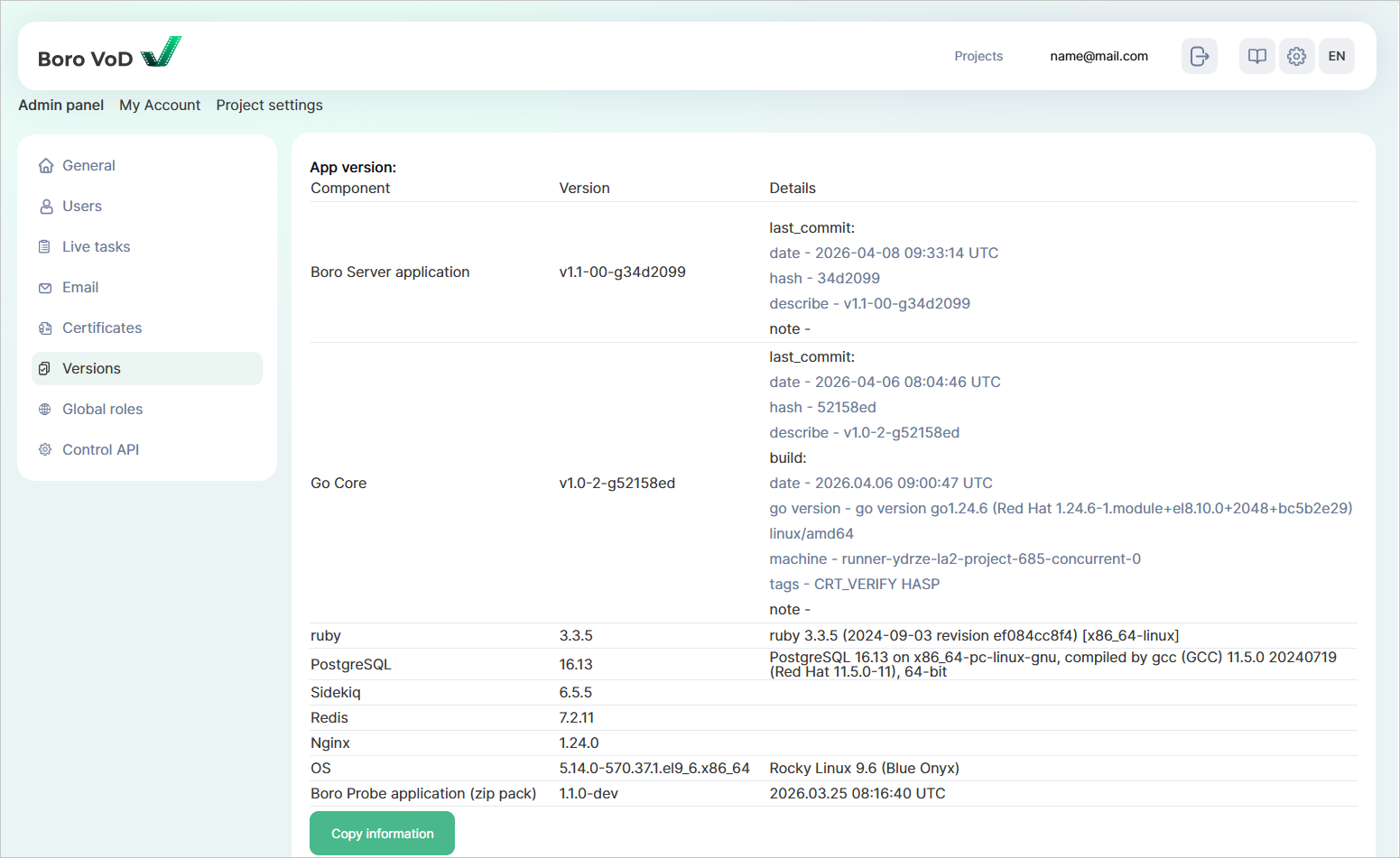
If necessary, go to Probes page and check for available updates.